Handy Applications
  • Welcome
  • My Software
  • Support
  • Feedback
  • Report a bug

Notes Keeper [5.2.3.2] released

7/3/2025

0 Comments

 
Download Notes Keeper 5.2.3.2 now 

Change Log:
Version 5.2.3.2 [7-3-2025]
• Increased the number of files attached to a note to 50 from 19
• Removed ‘Donate’ option as my PalPay account got banned for no reason
0 Comments

Notes Keeper updated to 5.2.3.0

21/1/2023

0 Comments

 
New update to Notes Keeper 5.2.3.0
Download it now

Change Log:
​Version 5.2.3.0 [21-1-2023]
  • Users can now pass database path to Notes Keeper by command line or creating a shortcut from File-> Create shortcut and open a database no matter where is the database.
  • Changed “Set icon” for notes to “Change icon”
  • Added “Change icon” for folders. Users can now set icons for folders and these icons will stay when the folder opened or closed.
  • Added “Remember last opened folder” setting in general settings. This will allow the user to open last opened folder the user opened. But “Startup note” has the priority if the user set it.
  • Fixed: ‘Replace all’ button not working in ‘Search and Replace’ window
  • Internal fixes and improvements 
0 Comments

IP Finder updated 1.4.3.1

27/6/2022

0 Comments

 
IP Finder updated for the user to get the external IP address, user need to access site https://whatismyipaddress.com as bot.whatismyipaddress.com no longer works

0 Comments

Notes Keeper 5.1.3.0 released

27/5/2022

0 Comments

 
Notes Keeper 5.1.3.0 got released
Download/Update it from Notes Keeper's page 

Change Log:
Version 5.1.3.0 [20-5-2022]
  • Added option to remove selected text’s backColor at [Right click menu -> Color -> Selected text -> Clear backColor]
  • Added ability to attach files to a note (currently 20 files max per note). From Files button.
  • If you are using Notes Keeper from a server or shared folder with other users, you all need to enable Multi-User mode. From status bar click on M-U Mode=off and enable it.
  • Improved opened notes: Every user can only close its own opened notes. Other notes have their close button disabled.
    • If `one instance` is enabled Notes Keeper will only have User 0. If not, Notes Keeper will generate a new user to every user opens Notes Keeper.
    • Notes Keeper removes every user when they close Notes Keeper but if Notes Keeper crashed for a reason or another and doesn’t close normally, that user number will still present and all its notes that are opened will stay marked as opened.
    • To remove the user number manually, open users.xml file in Data folder by any text editor and remove their line. For example: To remove user 2 remove this line <User>2</User> from the file and save it.
  • Added ability to link to other note or folder. User needs to copy the reference then paste it in the note. The user can copy the reference from right click on any note or folder in the tree or list in search window.
  • Improved closing Notes Keeper’s code.
  • Fixed: when selecting a note, search and expand all branches are hidden.
  • Fixed: Moving a note down will throw an error.
  • Internal fixed and improvements 
0 Comments

Notes Keeper 5.0.3.0 released

5/11/2021

0 Comments

 
Notes Keeper 5.0.3.0 released.
Download it now
Check its change Log:
Version 5.0.3.0 [2/10/2021]
  • Notes Keeper now uses .NET 4.6.1
  • Locked, password protected and encrypted notes can't be deleted.
  • Fixed: Clicking 'Backup folder' does nothing to set the backup location
  • Fixed: Notes Keeper’s text looks small on high resolution screens.
  • Fixed: “Default note options” in options throw “Class already exists ” error
  • Fixed: Encrypting a note after locking it will result in marking the note as encrypted without saving the encrypted note.
  • Fixed: Decrypting a note won’t save the original note (decrypted note) and the note will be marked as decrypted.
  • If you added a new date and time formats, they will be saved and available to use when you want to add date and time. A file called “DateFormats.xml” will be created in Data folder.
  • Right click on folder will have option "Export to a folder" which will export the folder and its context to an external folder on your computer.
  • Added: Import note from other .nkdb database file. You can find it from Note->Import from DB.
  • Added: Export note to a database. Right click on a note and selecting “Export to a DB” will let you select the database and select the folder to export the note to.
  • Added: Opened notes window. This window will show all opened notes with the ability to mark a specific note as closed (When using it in multi-user mode).
  • Internal improvements and fixes.

0 Comments

Pinner 3.7.3.0 released

28/5/2021

0 Comments

 
Pinner 3.7.3.0 released with new features and improvements.
Download it from its page 

Change Log:
​Version 3.7.3.0 [28/5/2021]
  • Improved search.
    • Searching only files by typing file:[file name] in search bar
    • Searching only folders by typing folder:[folder name] in search bar
    • Searching only sites by typing site:[website name] or website:[website name] in search bar
    • Search favorites by typing f:[pin name] or fav:[pin name] in search bar
    • Search in a folder(group) by typing [folder name]:[pin name] in search bar
  • Added Lite Pinner. You can launch pinner in lite mode which is just a small window with searching bar. You can run a pin by clicking enter or double click it with mouse. User can navigate between pins while searching in the search bar.
    • To activate Pinner Lite go to File -> Pinner Lite
    • To Cancel Pinner Lite or Pinner (After activate them without restarting) Press the same option (File –> Pinner Lite | Pinner in Lite mode) with Control key and the activation will be cancelled.
    • Pinner Lite doesn’t have icons for pins but it is color coded. Every pin type have color. User can change it in settings (F12).
  • Fixed new update window. It used to show other software name and change log when there is a new update for Pinner.
  • User can now navigate the pins without leaving the search bar, while they are searching or not.
  • Internal fixes and improvements 
0 Comments

Pinner 3.6.3.2

26/3/2021

0 Comments

 
Pinner updated to 3.6.3.2
This update fix a bug in Favorites Form which caused Pinner to not close from File -> Exit (F4) when Favorites Form open but it remove the system tray.
0 Comments

Pinner 3.6.3.0

26/3/2021

0 Comments

 
Picture
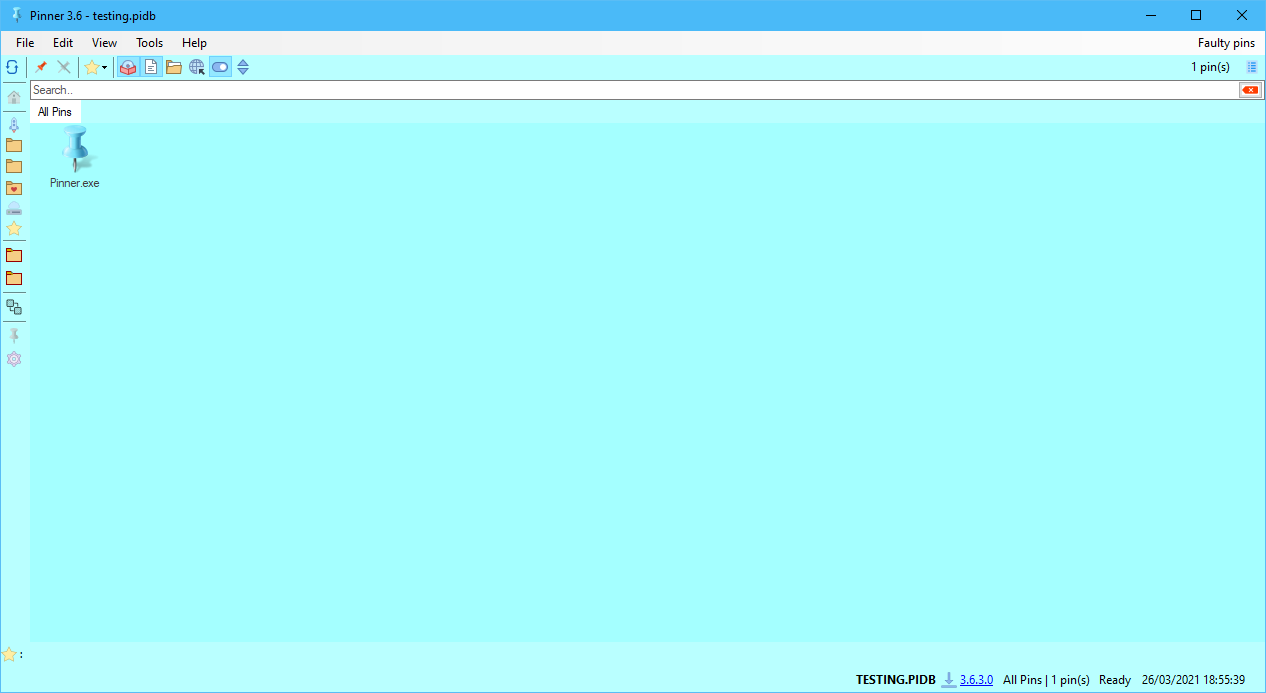
Pinner updated to 3.6.3.0
Check its changes here

Version 3.6.3.0 [24/3/2021]
  • You can now use Pinner from a shared folder or from a server.
  • Added close to taskbar. Options->General->Window->select ‘close to’ from the combo-box.
  • Windows 10 users can now click on Favorite folders and you can see Quick Access items for easy open any item [folders or files].
  • Added: Favorites drop down button on the toolbar shows the favorite pins. Hide favorite bar if you don’t want it. Right click on the button to manager or remove all fav pins.
  • Added: Run button at Tools -> Run. To show Run Dialog. Same as Win button + R combination.
  • Added: (*.exe) filter when browsing for files to pin.
  • Added: View -> Colors. With colors you can set toolbars’ colors, list background’s color and list forecolor.
  • Fixed: Assigning new folders to a pin through ‘Manage folders’ won’t show on the folders bar.
  • Settings file’s format changed. Please re-set your settings. New file name “Pinner.config”.
  • Button to hide filters got removed.
  • Internal fixes and improvements.


0 Comments

Notes Keeper 4.6.3.0

9/2/2021

3 Comments

 
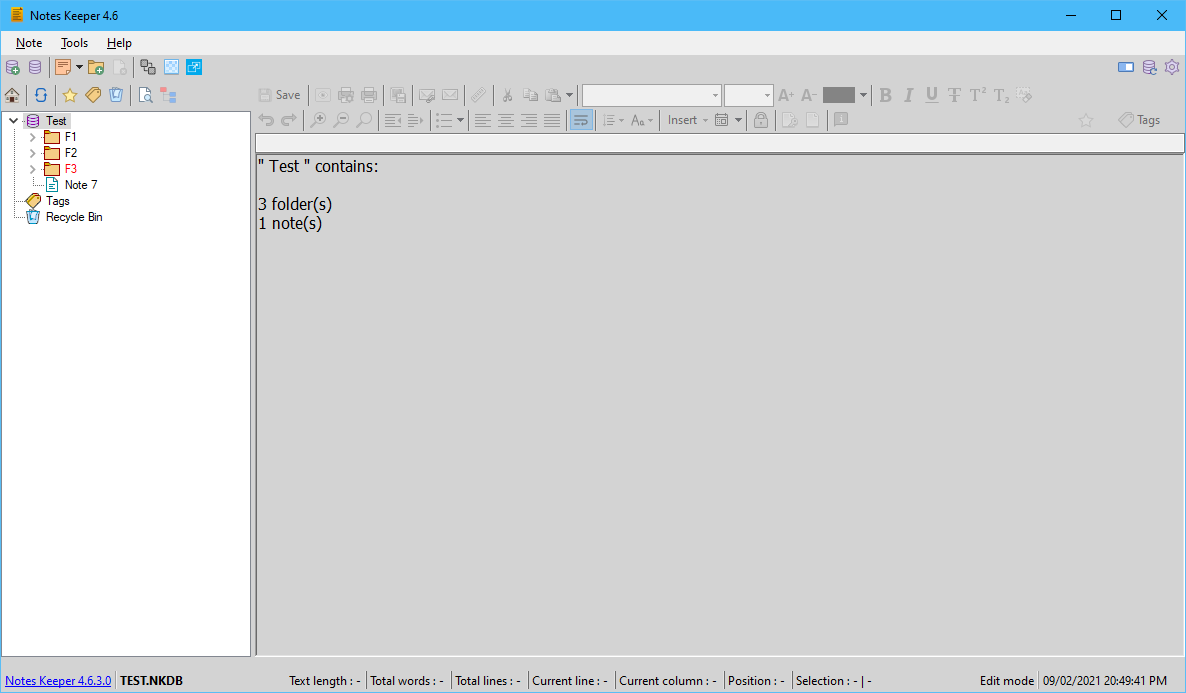
Notes Keeper updated to 4.6.3.0

Change Log:
Version 4.6.3.0 [9/2/2021]
• Fixed: Notes Keeper fail to create a new database.
• Fixed: Connected old databases doesn’t get upgraded to meet the new changes in the database after Notes Keeper 4.5.3.0.
Picture
3 Comments

Notes Keeper

29/1/2021

0 Comments

 
Picture
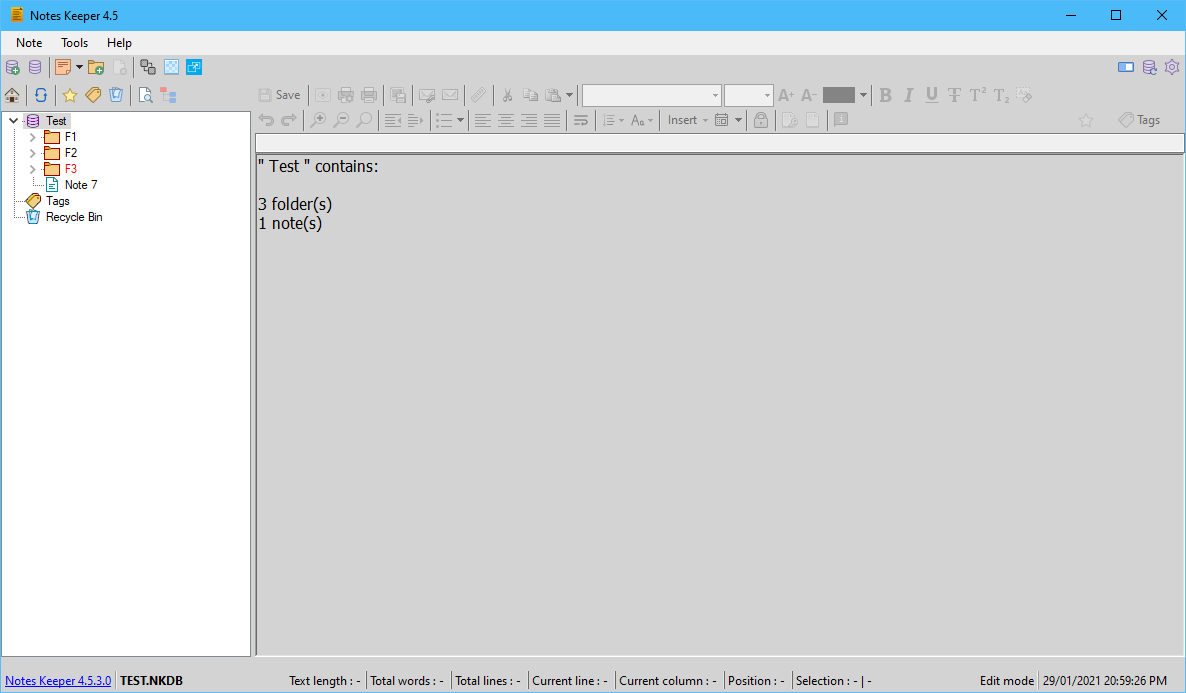
Notes Keeper 4.5.3.0 released
Changed log:
Version 4.5.3.0 [29/1/2021]
  • Colors option moved to Tools->Colors and other options to customize notes keeper added. Look and Feel now has tree’s font only.
  • Added support to open rtf files and text based files (For example .txt, .reg, html files).
  • Added option to open Notes Keeper with root folder collapsed.
  • Added support to assign 16x16 icons to notes’ icons. From right click on the note then select ‘set icon’. No pre-stored icons available, users will have to download from suggested sites or other sites and include them in Icons folder in Data folder from the window that will appear.
  • Added option to disable/enable URL detection. Right click anywhere in a note and click on ‘Detect Urls’ option to disable/enable.
  • Added option to export notes as html files.
  • Added ability to set startup note. It lets the user to set a note to open when Notes Keeper opens. Right click on a note then select “Set startup note” and “Clear startup note” to remove it.
  • Fixed: searching by starting to type ‘:’ in search window will crash Notes Keeper.
  • Fixed: When trying to select text’s forecolor/backcolor, the color window disappears.
  • Fixed: Tables added to a note won’t appear in MS Word when exported as rtf file and opened in MS Word. Now tables will have borders that will be visible.
  • Since Notes Keeper 4.5.2.9 one should be able to use it in a shared folder or from a server. That the database path starts with \\.
  • Folders no longer have “Copy” operation. Since “Copy” operation is just for notes and it was available for folder by mistake.
  • Favorites are now ordered alphabetically for easy find the needed note/folder.
  • Improved check for update version detection and comparison.
  • Internal fixes and improvements.
Download it now
​
0 Comments
<<Previous

    Archives

    March 2025
    January 2023
    June 2022
    May 2022
    November 2021
    May 2021
    March 2021
    February 2021
    January 2021
    December 2020
    November 2020
    May 2020
    January 2018
    October 2017
    June 2017
    May 2017
    April 2017
    March 2017
    February 2017
    January 2017
    December 2016
    July 2016
    April 2016
    February 2016
    November 2015
    May 2015
    December 2014
    October 2014
    September 2014
    August 2014
    July 2014
    June 2014
    May 2014
    April 2014
    March 2014
    February 2014
    September 2013

    Categories

    All

    RSS Feed


© 2013-2020
My Site | Report a bug | Contact

Email | Facebook
  • Welcome
  • My Software
  • Support
  • Feedback
  • Report a bug